01
Automation Audit
We map the current process and identify which steps are genuinely worth automating before any build begins.
We map the current workflow, automate the repeatable steps, and keep approvals, exceptions and customer-facing decisions with the right people.
We document the current steps, tools, people, delays and common exceptions.
Triggers, actions, data fields and human handoffs are agreed before anything is connected.
The selected tools and integrations are configured around the approved logic.
Normal, incomplete and exception scenarios are checked before the workflow is activated.
Early results and failures are reviewed so rules can be corrected with evidence.
Start with clarity, build one useful workflow, or move into ongoing management as your needs grow.
We map the current process and identify which steps are genuinely worth automating before any build begins.
One chatbot, lead follow-up or CRM workflow is built, tested and handed over with practical documentation.
Multiple workflows are monitored and refined as your tools, volume and business rules change.
The goal is not to automate the most steps; it is to automate the right steps without creating hidden operational risk.
We review what actually happens today before proposing a new automated route.
Rules state when a team member must review, approve or continue the conversation.
The workflow is checked with common and incomplete inputs, not only a perfect demonstration case.
Current CRM, website and communication tools are considered before adding another platform.
Required accounts, permissions and data fields are documented before integration work starts.
New workflow requests are assessed for their effect on logic, testing and maintenance.
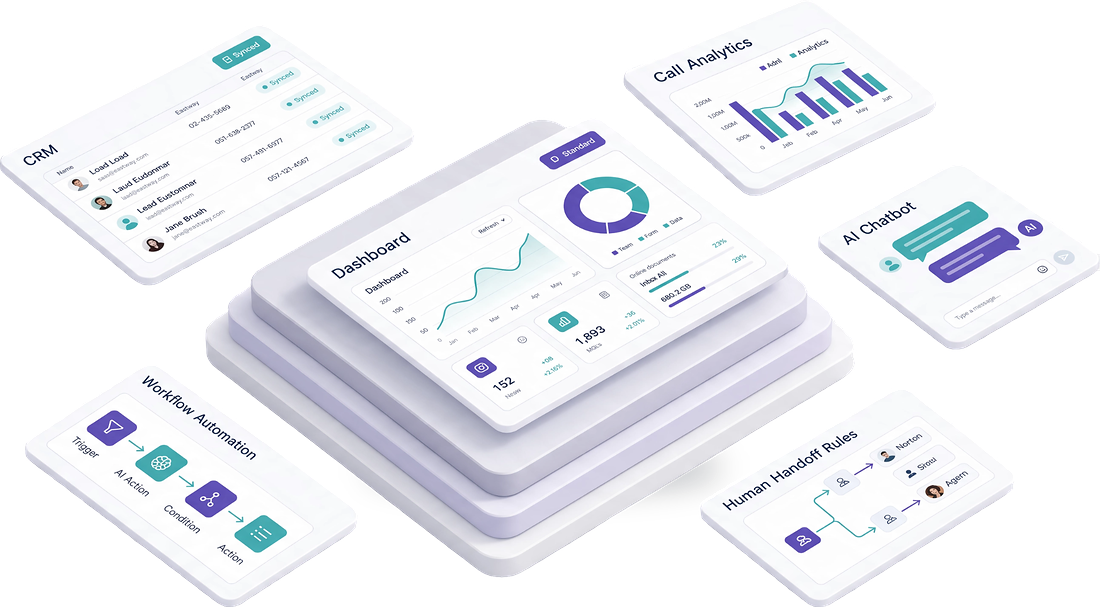
Each service can work independently or connect into one documented system with visible routing and human handoffs.
The existing manual process is mapped before any automation logic is proposed.
Inputs, conditions, actions and failure states are documented in plain language.

Clear triggers · Visible routing · Human handoffs
Two CodingAutomation stops or escalates when a decision needs a person, approval or exception handling.
Test cases, logs and access controls are reviewed before the workflow is relied upon.
It does not have to. A chatbot can answer approved questions and collect details while sending complex or sensitive cases to a person.
Possibly. Compatibility depends on the CRM, available APIs or connectors, account permissions and the workflow required.
Repeated tasks with clear triggers, consistent information and defined exceptions are usually the strongest candidates.
Yes, but changes should be reviewed and tested because one new condition can affect several later steps.
Describe how an enquiry or internal request moves through your business today. We will help identify where automation may be practical.


